What Happens When You Put 9 Clips on Screen at Once?
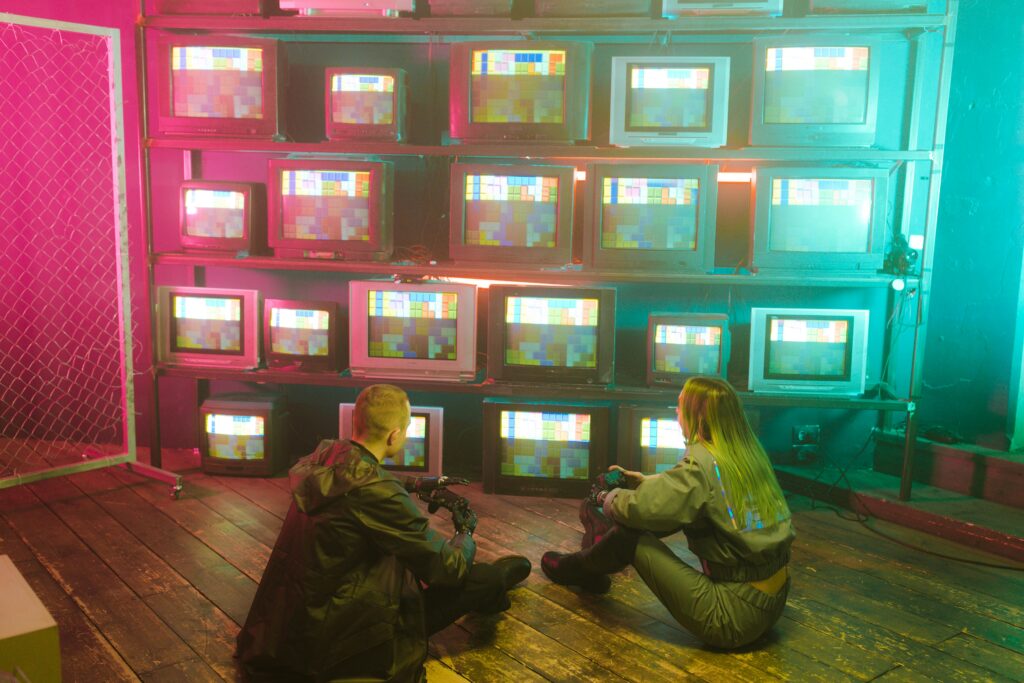
Sometimes one clip just isn’t enough. You want energy, variety, and a way to squeeze in more story without tacking on minutes of runtime. That’s where animated video walls come in. They’re clean, stylish, and when done right, they make your project look pro in seconds.
What’s a Video Wall?
A video wall is basically a screen full of smaller screens — multiple clips or photos all playing at once, usually arranged in a neat grid. Add some animation, and suddenly you’ve got something that feels alive and intentional instead of like you just crammed clips together.
They work anywhere you need to pack in more:
- Wedding and travel montages
- Sports reels and hype videos
- Tutorials and recipe breakdowns
- Business promos or real estate tours
- Music videos and social posts
In short: if you’ve got more good footage than screen space, a video wall is your best friend.
The Manual Way (a.k.a. Ughh)
You can definitely build a video wall by hand in Final Cut Pro. The process goes something like this:
- Drop a clip in the timeline and scale it down.
- Position it in the top left corner.
- Repeat for the next clip… and the next… and the next.
- Add borders so it looks neat instead of crammed.
- Keyframe animations to make the clips fly in or out.
- Realize you forgot a clip, shift everything, and redo half your keyframes.
- Wonder where your afternoon went.
It works, but it’s time-consuming, fiddly, and honestly a little soul-crushing when a client says, “Can you just add two more clips?”
Why Animated Video Walls Work So Well
Beyond looking cool, walls are powerful because they:
- Compress time — viewers see multiple moments at once.
- Create rhythm — animations keep the energy flowing.
- Tell stories faster — before/after, comparisons, multiple angles.
- Grab attention — perfect for intros, transitions, or big reveals.
They give your edit that polished, modern edge without overwhelming the viewer.
Tips for Making Your Video Wall Look Great
Even with the right tools, there are a few tricks to keep your wall from turning into chaos:
- Keep colors consistent. If each clip has a different look, apply a subtle grade over the whole wall so it feels unified.
- Pick a hero. Let one clip be the star by making it bigger, brighter, or timed differently so your audience knows where to look.
- Don’t overfill. Just because you can use 14 clips doesn’t mean you should. Leave breathing room.
- Match the rhythm. Time your animations to music or sound effects for maximum impact.
- Save space for text. If you’re adding titles or logos, don’t fill every inch of the screen.
These small touches go a long way in making a video wall feel intentional instead of overwhelming.
The Smarter Way: Wall Pop
This is where Wall Pop comes in. It’s my Final Cut Pro plugin with 35 animated video wall templates. Instead of battling keyframes and alignment, you just:
- Drag in a template.
- Drop in your clips or photos.
- Customize the look.
Wall Pop takes care of the grunt work — the math, the motion, the “don’t accidentally nudge that one pixel” headaches. You get to skip straight to the fun part: making it look awesome.
Layouts range from 4 to 14 drop zones, so whether you want a tight 2×2 or a massive grid, you’re covered. Everything is customizable — borders, spacing, animation style — so it fits your project’s vibe without feeling cookie-cutter.
Try It Yourself
Video walls are one of the fastest ways to give your edits a wow factor. You can totally make them manually (and now you know how), but if you’d rather keep your sanity, Wall Pop is the shortcut you’ll actually enjoy using.
You can grab it in the Stupid Raisins app and take it for a spin with the free demo. Test it on your own footage and see how much faster video walls come together when you don’t have to do the pixel-perfect grunt work yourself.

About Dylan Higginbotham
Hey there. I'm Dylan Higginbotham, and I'm pretty dang obsessed with Final Cut Pro X plugins. Subscribe below because I love giving away free plugins and contributing great content.
Subscribe!
Get 99 Templates for Free!
($138 value)
Do you want to look professional without wasting time & money trying to learn a new skill? Well, check out some free titles, transitions and effects. You're gonna love 'em! Just click the button below to get 96 professionally designed and animated Final Cut Pro templates for only FREE!